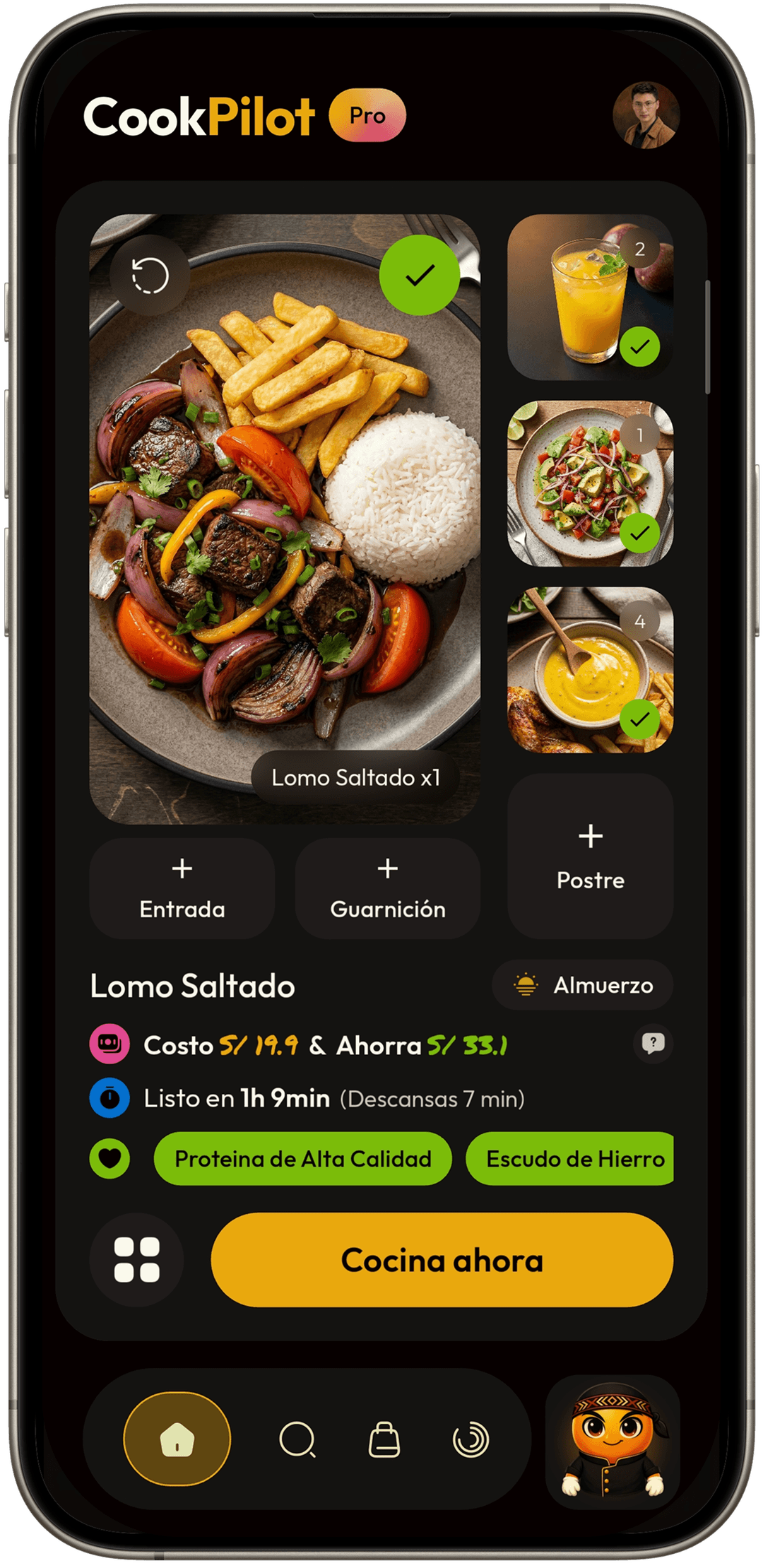
How CookPilot Works
Start with a recipe, an idea, or an empty day. CookPilot turns it into a menu, shopping, cooking, and reuse.
From the first menu to an organized week.
CookPilot does not work as isolated screens. Each step leaves something ready for the next one.
Start
You can begin with a recipe, an idea, a pending meal, a saved menu, or an empty day.
- Create a menu manually.
- Import a recipe or ask CookPilot to resolve a meal.
- A first editable meal.
- A base for planning.
Resolve
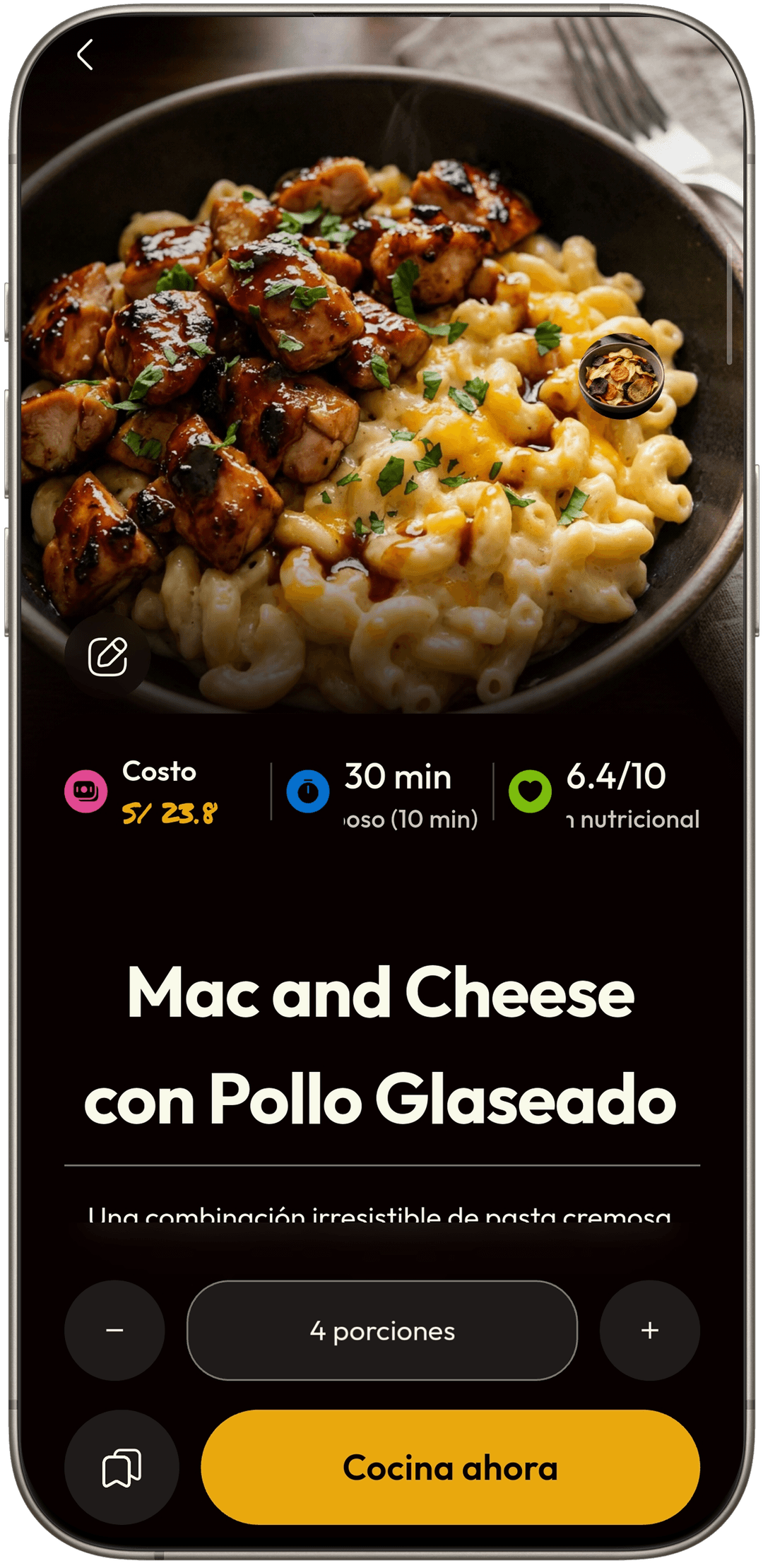
When you do not want to build everything by hand, CookPilot can help resolve a menu, a meal moment, or a day.
- Ask for a proposal.
- Review and adjust what was generated.
- A usable menu.
- A day with fewer empty spaces.

Organize
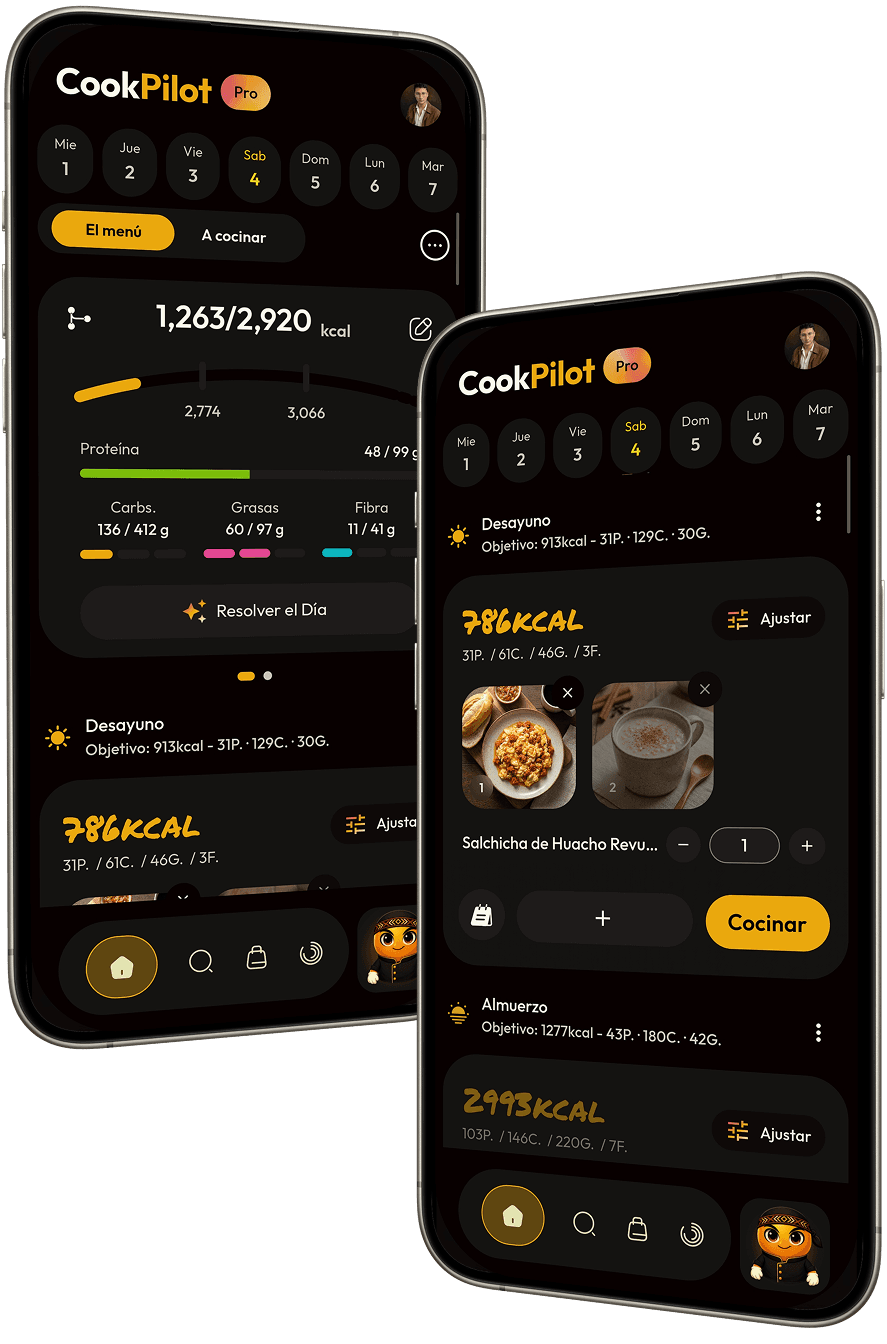
Menus live inside meal moments, days, and weeks. That way you know what is ready and what is missing.
- Organize breakfasts, lunches, dinners, or snacks.
- Build days and weeks.
- A clear plan.
- A structure you can repeat.

Shop
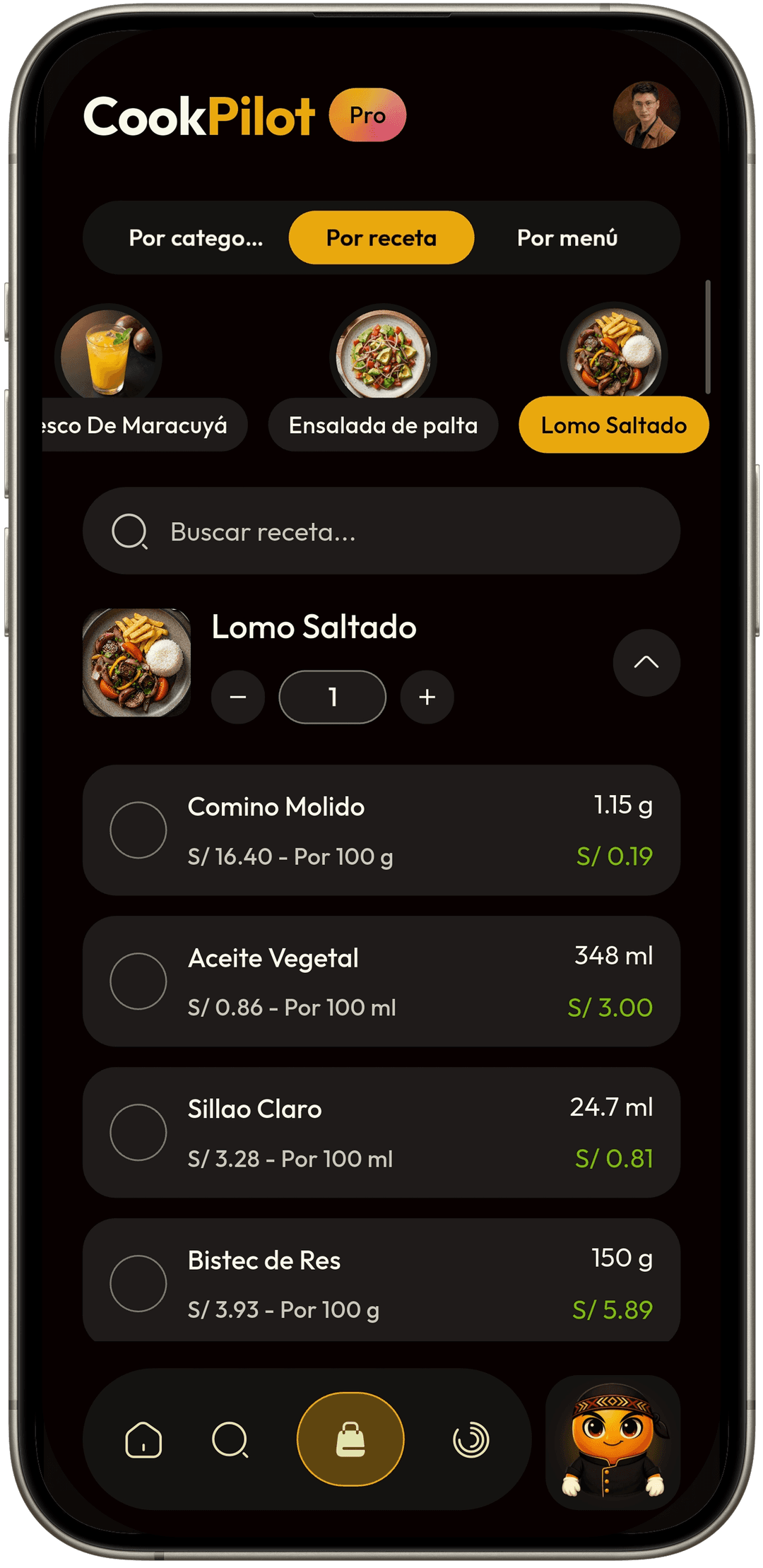
CookPilot turns your menus into quantities, a shopping list, and reference costs.
- Review ingredients.
- Adjust what you need to buy.
- A clearer list.
- Better cost reference.

Adjust
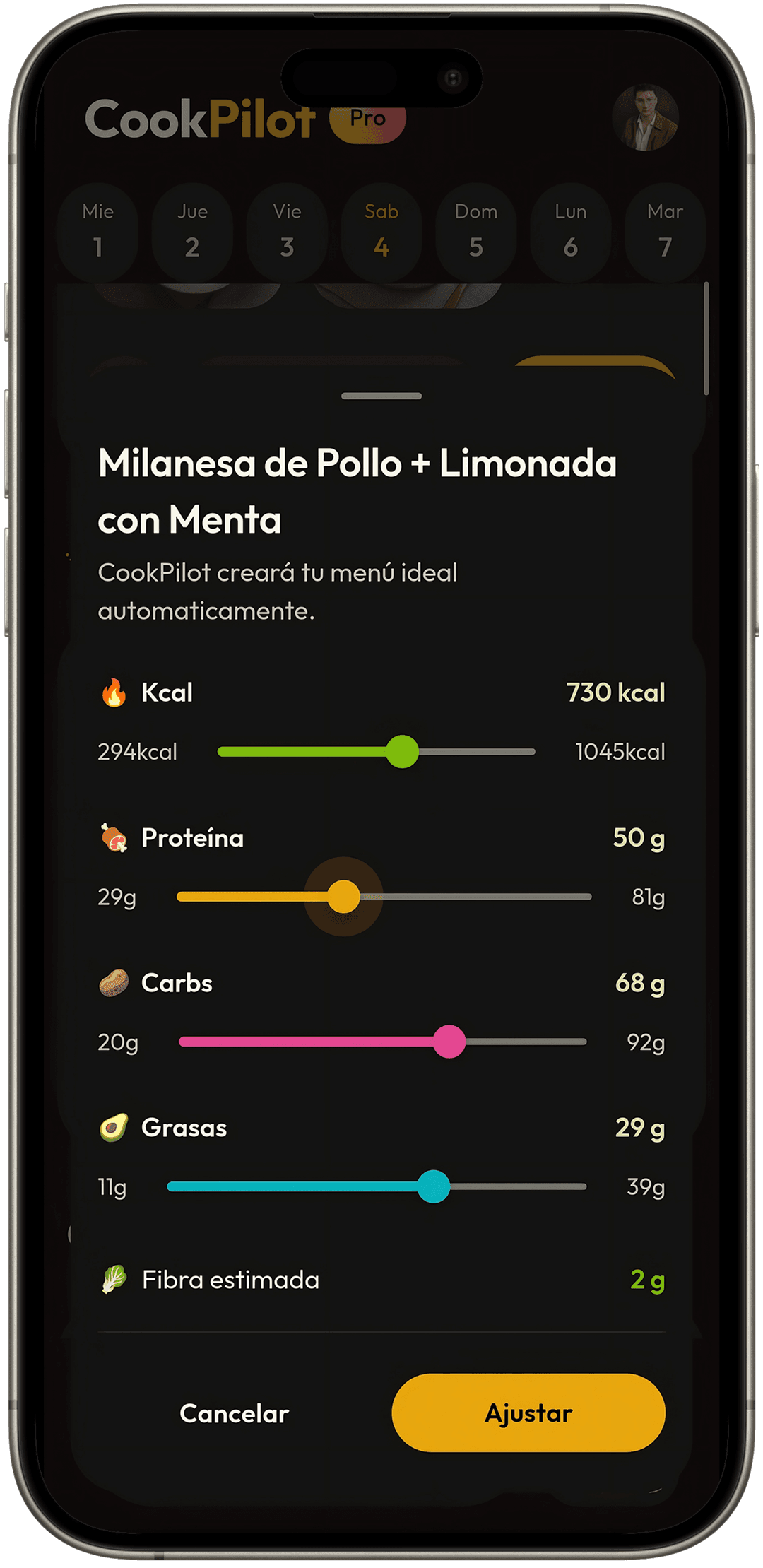
If you have goals, you can review kcal and macros, then adjust quantities without rebuilding the whole dish.
- Review nutritional fit.
- Modify quantities.
- A menu closer to your goal.
- Real food, not a strange formula.

Cook
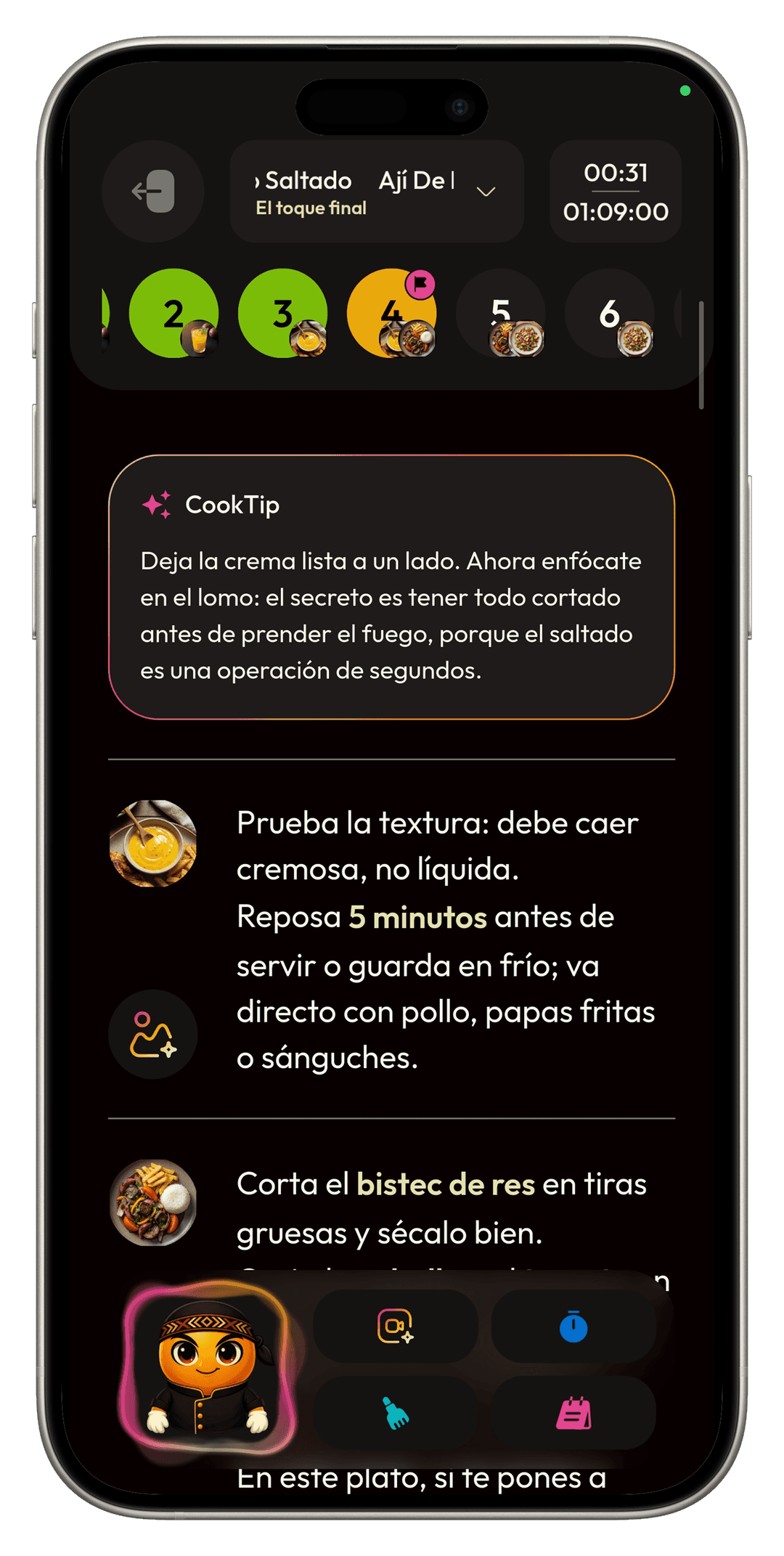
When you know what comes next, CookPilot guides you with steps, timing, and ingredients in context.
- Open CookMode.
- Follow the preparation.
- A meal prepared with less disorder.
- A clearer cooking flow.

Reuse
A good meal, day, or week should not disappear after you use it once.
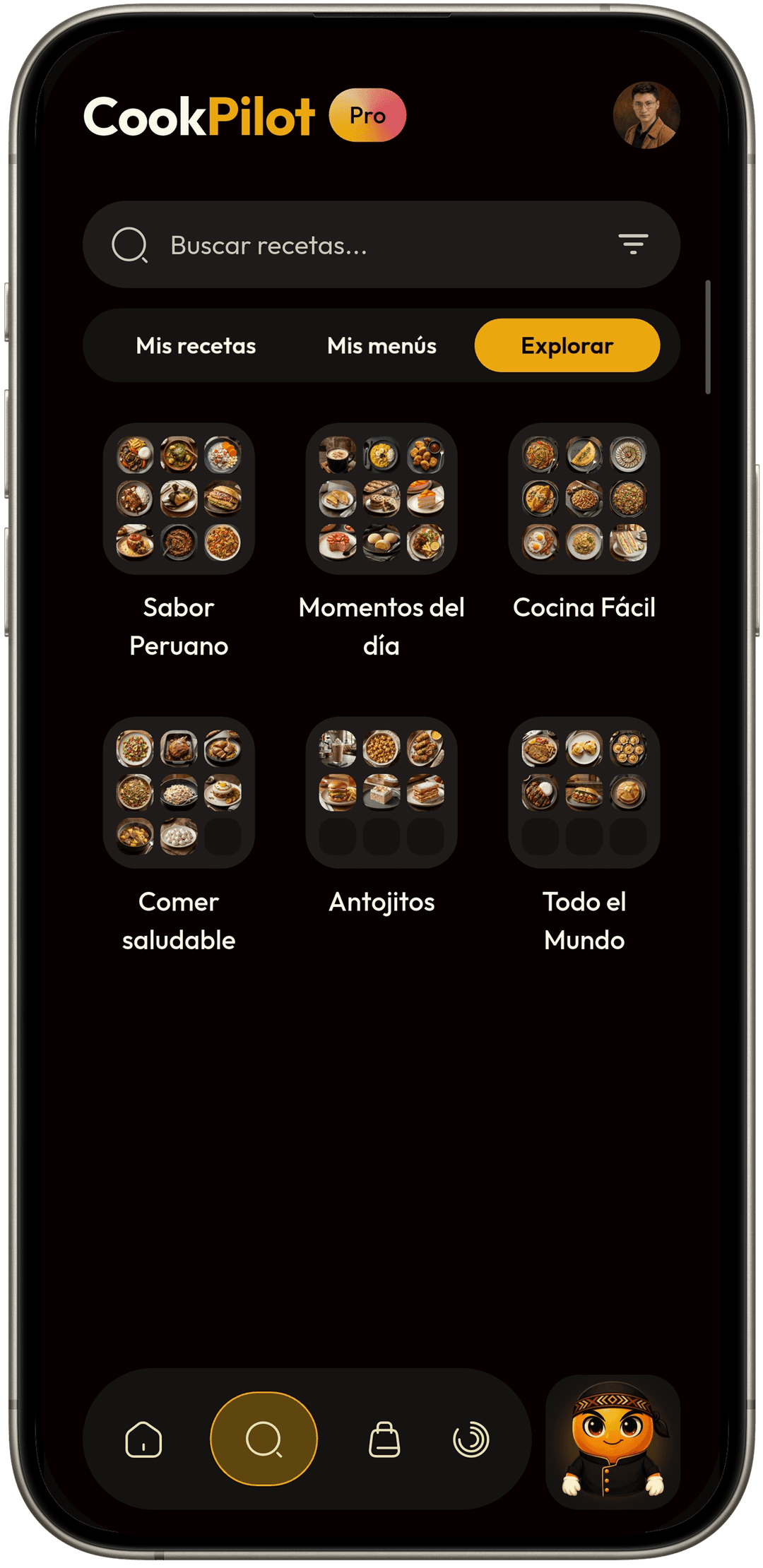
- Save, copy, paste, or pin.
- Search favorites and imported recipes.
- Reusable menus.
- Less work next time.

You do not always have to start the same way.
CookPilot accepts different inputs and turns them into something useful.
What matters is what gets ready.
After using CookPilot, you should have a clear answer: what to eat, what to buy, how to cook it, and what you can reuse.